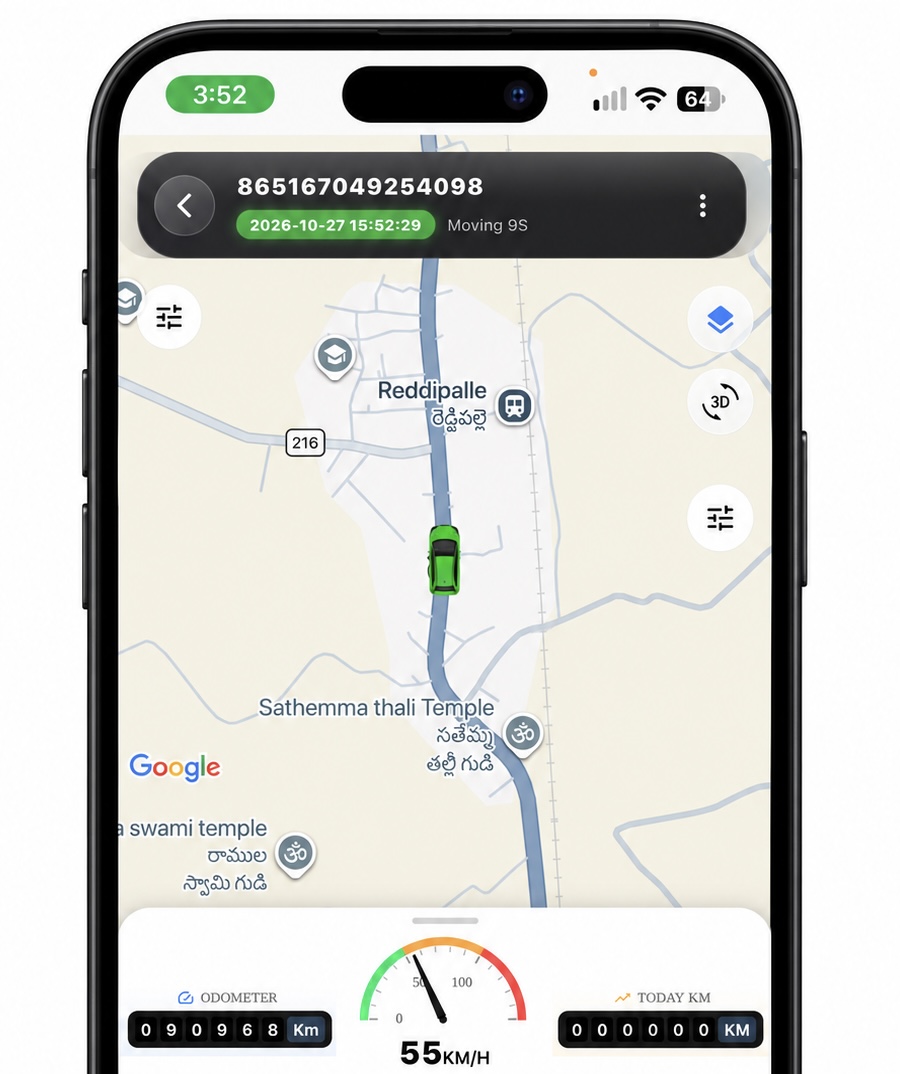
Live Tracking
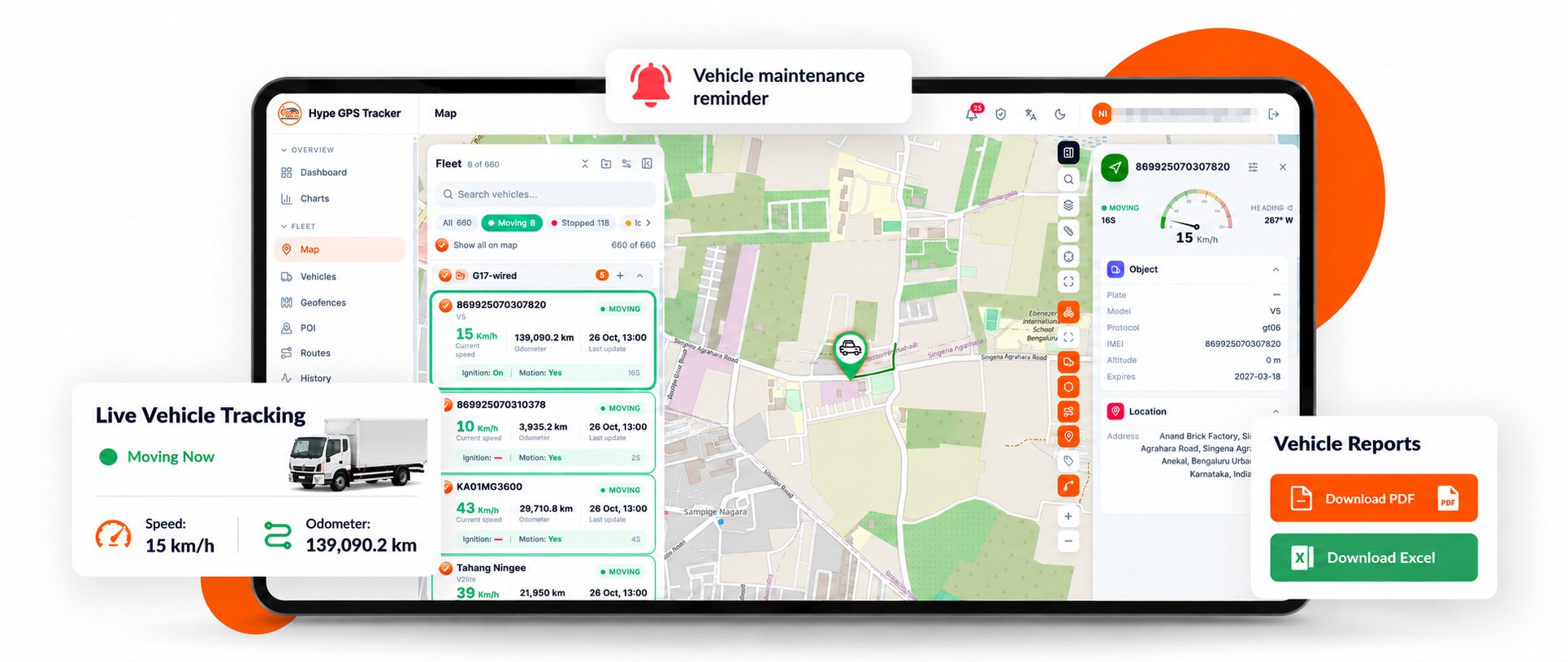
Watch each vehicle move on the map with live speed and odometer.
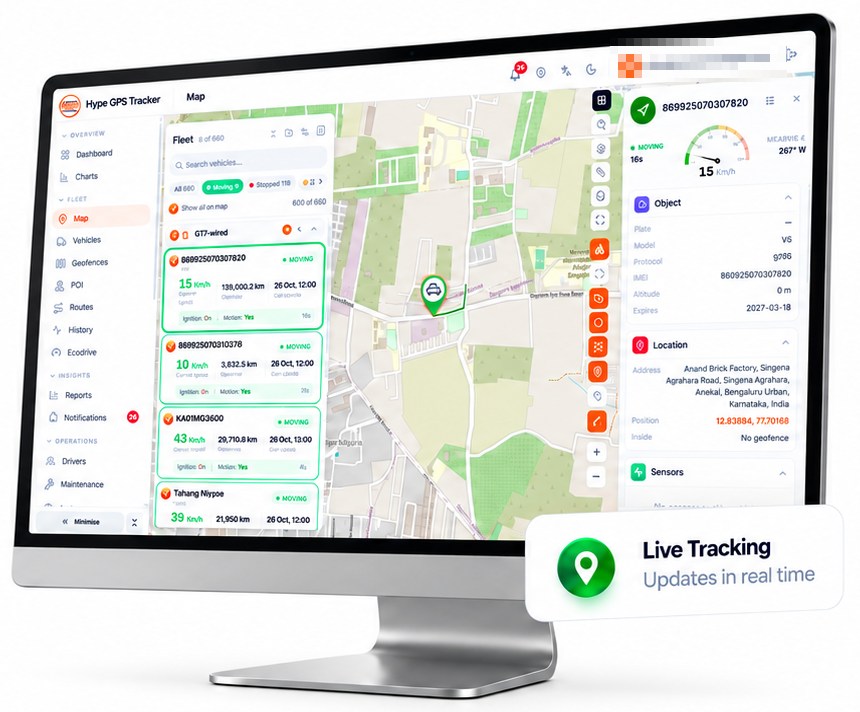
Track vehicles in real time, manage your fleet, and stay informed with smart alerts.
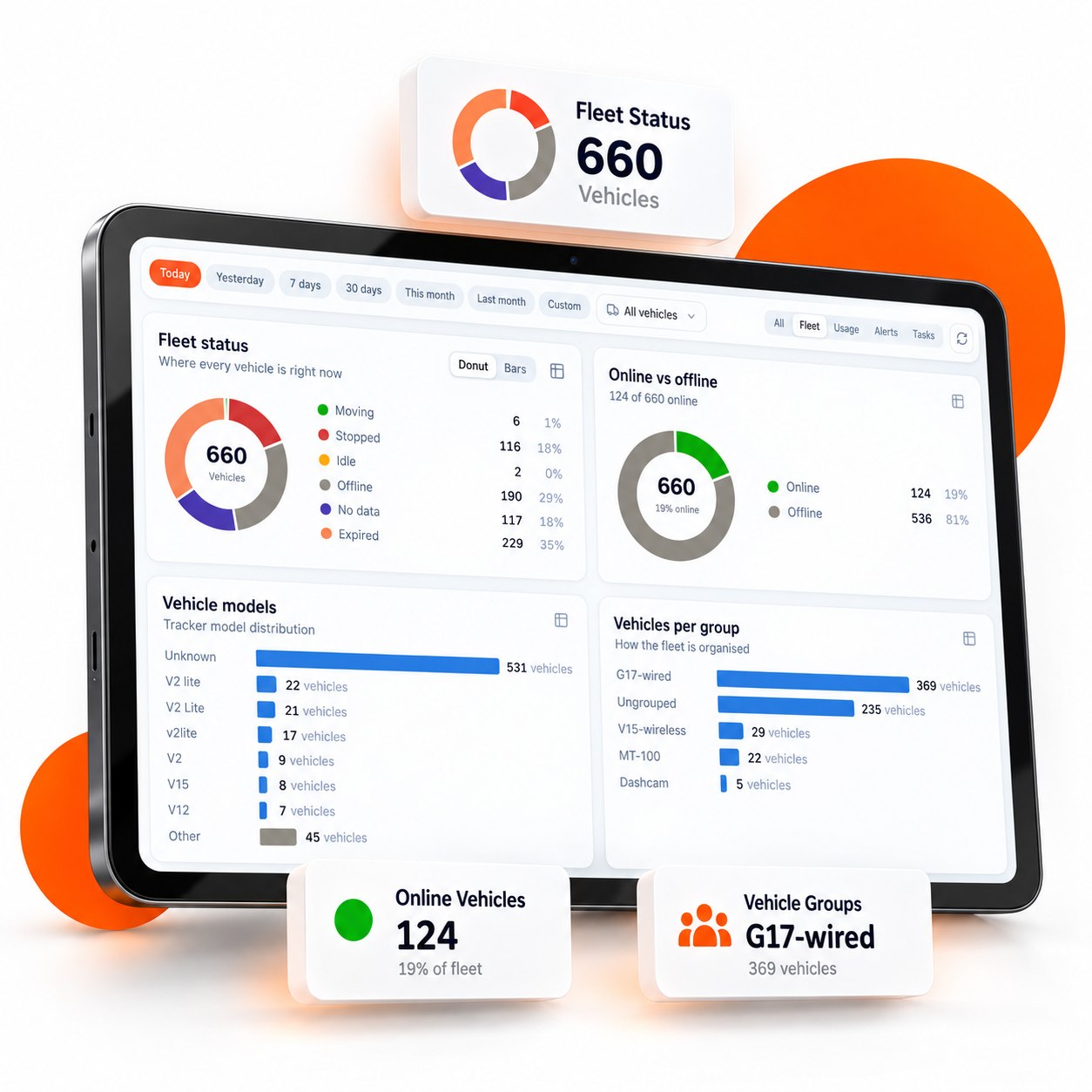
Track vehicles in real time, monitor fleet status, manage vehicle groups, and view detailed reports — all from one dashboard.
Smarter tracking. Better visibility. Greater control.
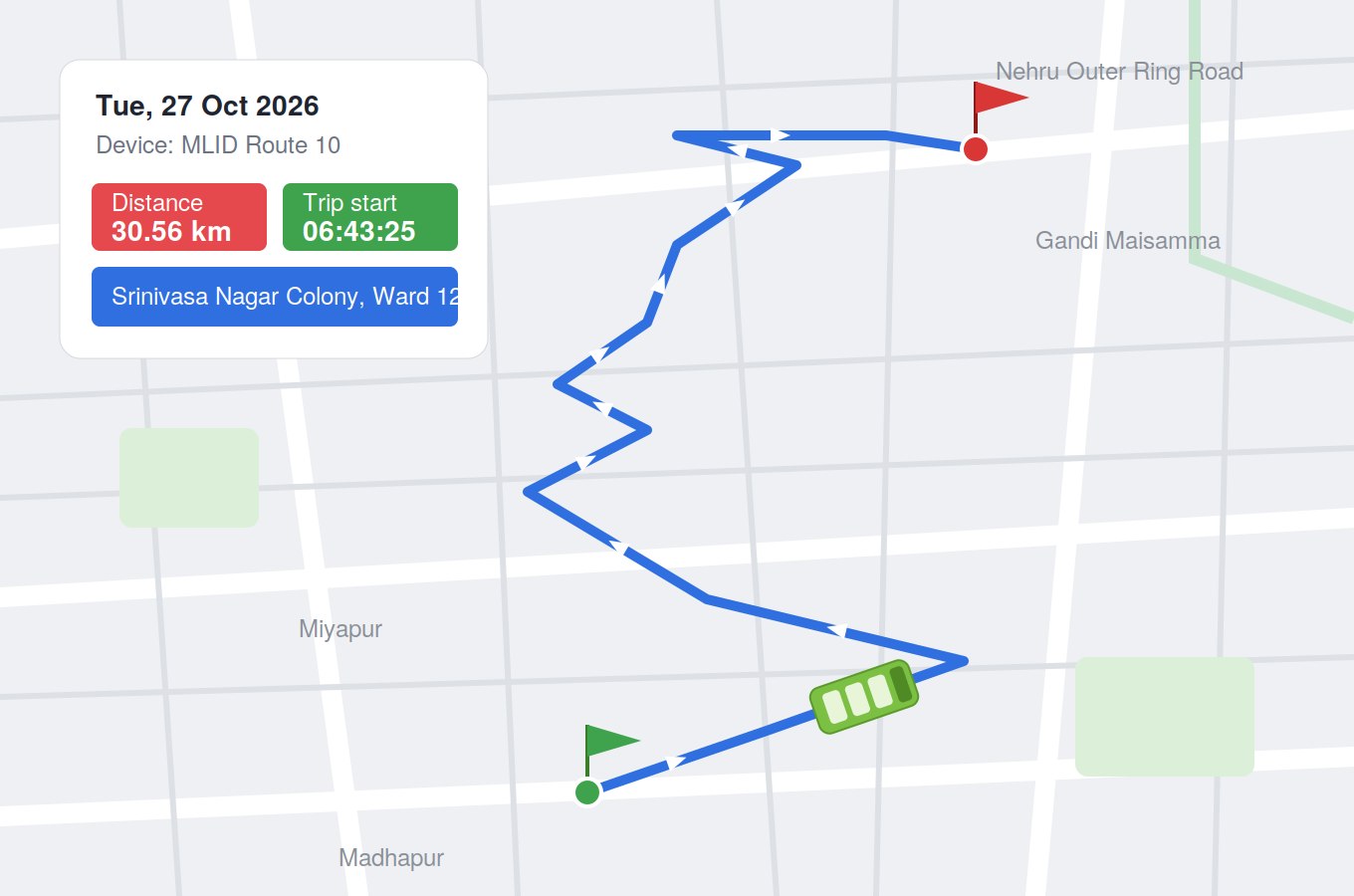
See exactly where each vehicle went — the full route on the map, from the start point to the end point, with trip details for any day.
Every route recorded. Every trip explained.
Live tracking, maintenance reminders and ready-to-download reports — so you always know how every vehicle is used and driven.
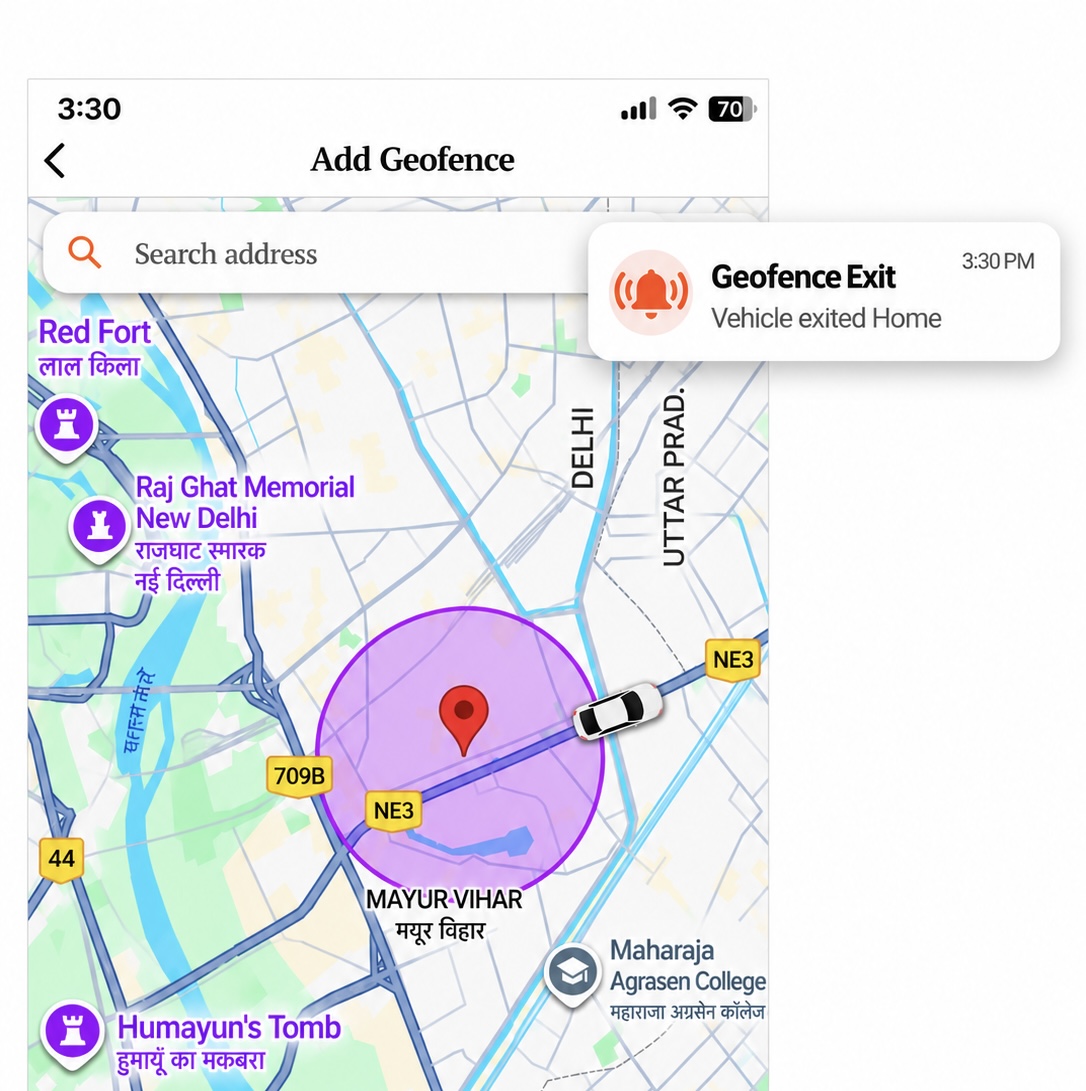
Draw a safe zone around any place — a depot, a customer site or a school — right from the app, and know the moment a vehicle enters or leaves it.
Know when they arrive. Know when they leave.
Everything you need to track, protect and control your vehicles — right from the Hype GPS mobile app.
Watch each vehicle move on the map with live speed and odometer.
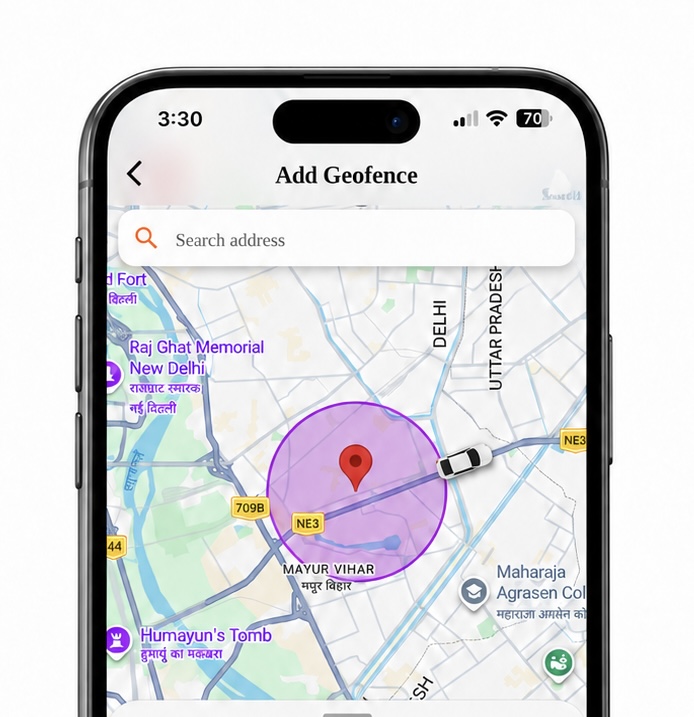
Draw safe zones around any address and track entries and exits.
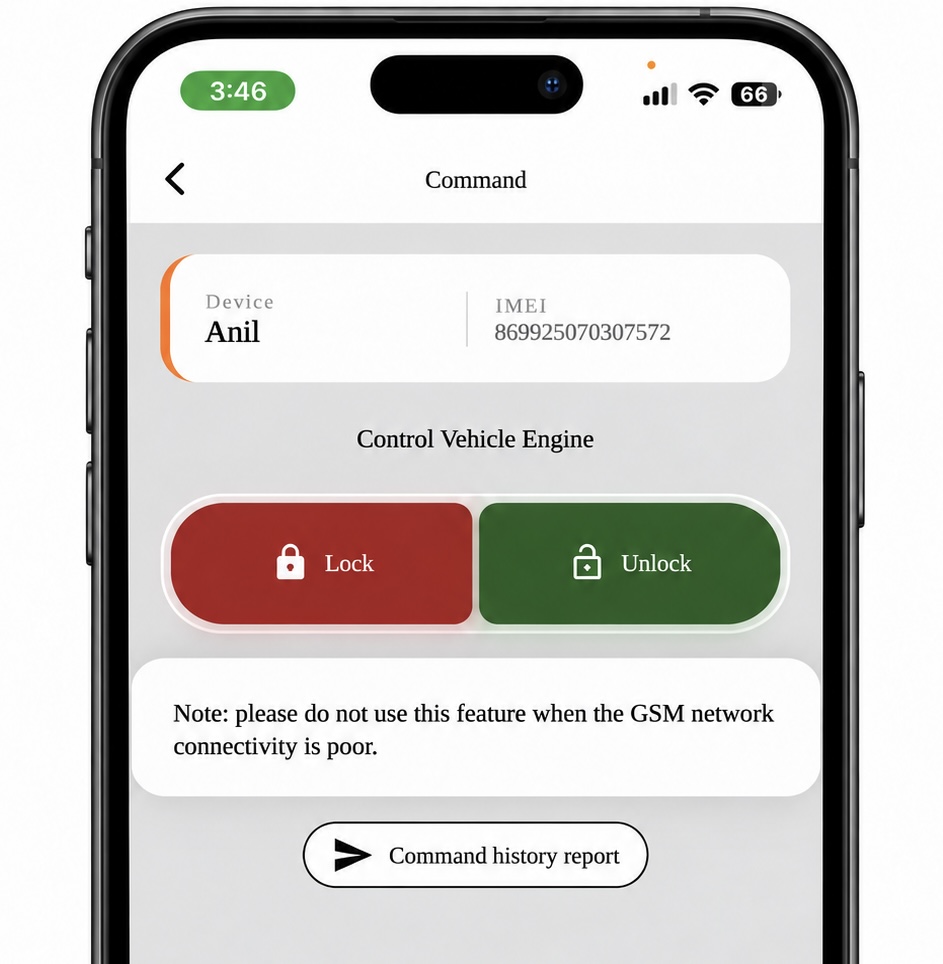
Lock or unlock the vehicle engine from your phone, with a command history report.
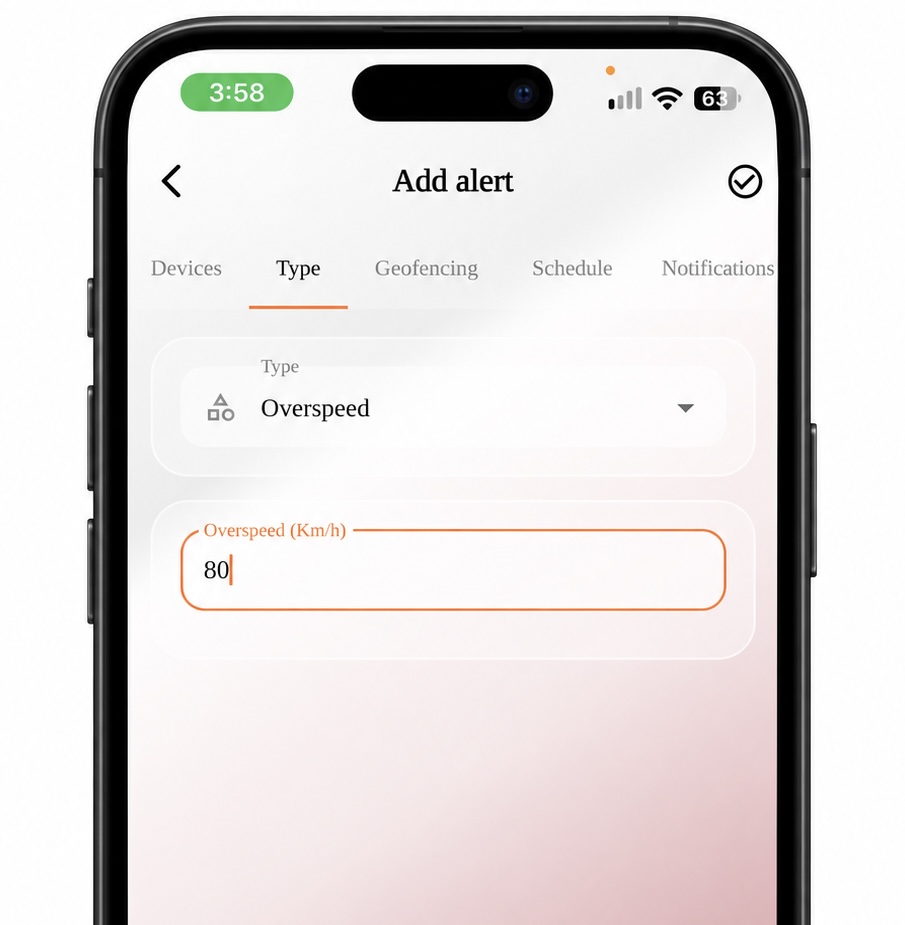
Set a speed limit and get notified the moment a vehicle crosses it.
If you don't see an answer to your question, you can send us an email from our contact form.
Hype GPS vehicle tracking software is built for fleet operators, logistics and delivery companies, transport and taxi businesses, schools and any business running company vehicles. It also works for individual owners who want to keep an eye on a personal car or bike.
Vehicle tracking software receives location and status data from a GPS tracker fitted in a vehicle and shows it on a map in a web dashboard and mobile app — live position, speed, trips, alerts and reports for every vehicle in one place.
It shows where every vehicle is in real time, records every trip, and alerts you to overspeeding, geofence entries and exits, and unusual movement. Reports on distance, running time and stoppages help you plan routes, reduce idle time, schedule maintenance and keep drivers accountable.
All your vehicles appear in one Hype GPS account. You can see them together on the map, filter them by status (moving, stopped, offline), organise them into groups, and open any vehicle for its live details, history and reports — on the web dashboard or the mobile app.
There's nothing to install on your side — the software is cloud based. Fit a supported GPS tracker in each vehicle (wired trackers need a basic connection that a local mechanic can do; wireless trackers need no wiring), add the devices to your account, and sign in on the web or the app. Our team helps with activation and setup.
The tracker in the vehicle gets its position from GPS satellites and sends it, along with speed, ignition and other data, over the mobile network to the Hype GPS cloud platform. The platform processes it and shows it to you on the map, in alerts and in reports.
Accuracy depends mainly on the GPS signal the tracker receives. In open areas location is typically accurate to within a few metres; it can be lower in dense city centres, tunnels or covered parking. How often the position updates depends on the device and its settings.
By showing where fuel is wasted: long idling, overspeeding, unnecessary detours and unauthorised trips. With route history, idle-time reports and alerts you can correct these habits and plan shorter routes. With supported fuel sensors you can also monitor fuel levels and spot unusual drops.

